Why Your DS-160 Photo Will Get Your Visa Denied (and How to Fix It)
You’ll learn the exact photo specifications that trip up most J‑1 applicants and how to avoid a bounced DS‑160. Most guides skim the rules and leave you with a rejected form that wastes time and money.
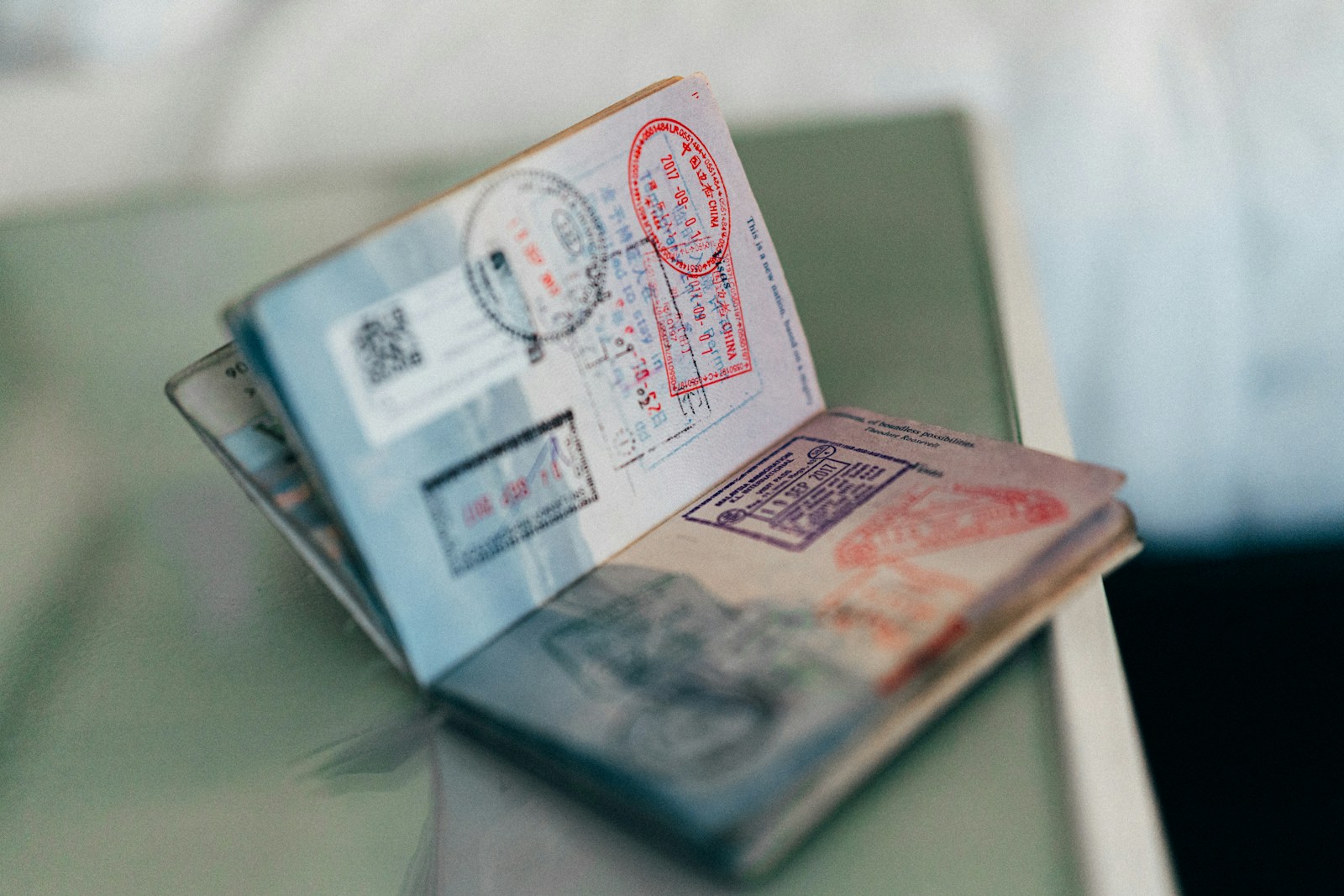
When you upload a portrait for the DS‑160 and the system instantly flags it, the whole application can stall for weeks, and the fee you already paid evaporates. A single pixel out of place often forces a reschedule, a new SEVIS payment, and a painful scramble for a sponsor who may already be booked. Knowing the exact visual criteria saves both cash and calendar slots.
Most applicants assume the “2 inch square” instruction means any head size will pass, but the embassy software measures the distance from chin to crown as a percentage of the total image. Anything below roughly 50 % or above 70 % triggers an automatic bounce, regardless of the surrounding white space. A quick ruler test on your screen can reveal the mis‑scale before you even click submit.
If the head occupies the sweet spot, the background can still sabotage you. The algorithm looks for a uniformly bright surface; shadows, wallpaper patterns, or a ceiling light streak will be flagged as “non‑plain.” Even a faint gray tint from a painted wall can be interpreted as a colored backdrop, forcing a rejection that feels arbitrary until you read the fine print.
But a wall that looks white to the naked eye may still carry subtle variations that the system records as noise. Photographers who rely on natural daylight often end up with a gradient that fades toward the edges, and the DS‑160 validator treats that as a background inconsistency. Using a portable, matte backdrop eliminates the invisible tilt that many first‑time travelers overlook.
Many travelers wear prescription glasses without realizing that glare or reflective lenses count as a defect. The software flags any specular highlight because it obscures facial features needed for biometric matching. Only medically documented eyewear is exempt, and even then the frames must be thin and non‑distracting. Removing glasses for the snapshot eliminates a common source of denial.
Even a discreet hairband or a religious head covering can be misread as non‑compliant headwear. The system does not differentiate between fashion and faith; it simply checks for any object that interrupts the natural contour of the skull. A cheap plastic clip can hold glasses out of the way, and a clear, unobtrusive head covering—if required—should be photographed in a way that the edge is invisible against the skin.
The digital file itself carries its own set of traps. Uploads must be JPEGs, normally between 100 KB and 240 KB, with a minimum resolution of 600 × 600 pixels. Files that are too compressed produce blocky artifacts, while oversized images are automatically resized and may lose the required contrast. A subtle under‑exposure that looks fine on a phone screen can become a dark blob after the embassy’s processing algorithm runs.
When you finally hit the “Submit” button, the portal rescales the picture to a 400 × 400 preview. If the original lighting was uneven, the downscaled version often appears washed out, prompting the system to label it “low quality.” Position a soft‑box or a diffused lamp directly in front of the subject to flatten shadows and keep the exposure even across the entire frame.
First, walk into a pharmacy, UPS store, or dedicated passport‑photo kiosk and ask for a certified J‑1 photo; the price usually falls between $7 and $15, and the attendant will confirm the 2‑inch dimensions and white background on the spot.
Second, download a free online ruler tool, upload the image you just received, and verify that the head height occupies roughly 55 % of the total square. If it falls short, use a cropping application that preserves the original 600‑pixel minimum; many web‑based editors keep the file under the 240 KB ceiling without sacrificing quality.
Finally, print a single copy on matte photo paper at a local print shop—costs range from $8 to $12 for a batch of six—to see how the edges look in real life. Inspect the borders for any lingering gray and, if necessary, order a re‑print from an inexpensive online service that guarantees compliance within 24 hours.
Before you wire any sponsor money or book an embassy appointment, double‑check that the uploaded portrait matches the on‑screen preview, that the file size indicator shows a value within the acceptable range, and that the portal does not list an extra “photo retake” charge. Confirming these three points prevents a costly surprise after you’ve already paid the SEVIS and program fees.
Keep reading
Processing Surcharge That Can Derail a Canadian Holiday
You’ll learn why a mysterious $300‑$700 markup appears on most sponsor quotes and how it inflates your budget. Most guides skip this detail, leaving you vulnerable to surprise costs.
How to Slash Placement Fees on Your Work‑Travel Visa
Learn the hidden tricks agencies use to inflate placement fees and the concrete steps to negotiate them down. Most guides gloss over the extra costs that can wreck a student’s budget.
Why Paying Visa Fees Abroad Can Cost You Extra
Learn how to avoid surprise surcharges when you pay J‑1 or Working Holiday fees from overseas. Most guides gloss over payment‑gateway traps, leaving students stranded with hidden costs.